 AI
AI
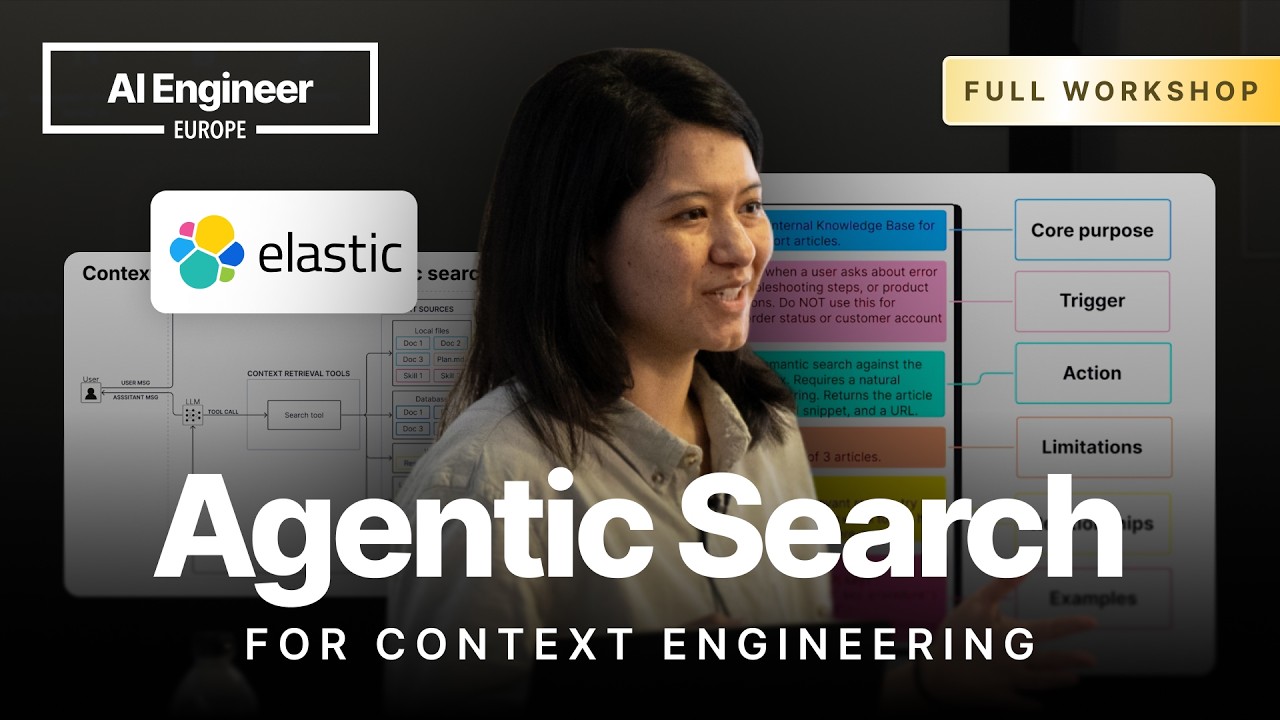
Context Engineering Is Mostly a Search Problem
Most discussions of context engineering focus on what goes into the context window. The arrow that actually moves data from source to window is underrated. That arrow is a search tool.
“context engineering is about 80% agentic search” — Leonie Monigatti
Early RAG used the user message verbatim as a vector query, retrieved a fixed chunk, and fed it to the LLM whether or not context was needed. Agentic RAG hands that decision to the agent. But real agents draw from local files, databases, the web, working memory, and agent skills. Each source needs its own retrieval approach.
Three Ways Agentic Search Breaks in Production
Monigatti identifies three failure modes from Elastic’s work with internal and external agent teams. The agent skips the search tool entirely, confident its parametric knowledge is enough. The agent calls the wrong tool, reaching for web search when a database tool was needed. Or the agent generates bad parameters for a valid tool call.
A useful tool description includes a core purpose, when to call it, when not to, and how it relates to other tools. Most real descriptions are one sentence. If the description is correct and the agent still misbehaves, reinforce the same instruction in the system prompt.
Semantic Search vs. Query Execution: When Each Fails
Vector search breaks on exact-keyword queries. A semantic search tool returns three irrelevant sessions when asked about “GDPA” (Gemma models, harness engineering). Switching to an ESQL execution tool lets the agent write full queries, but the first attempt uses %GDPA% as a wildcard. ESQL uses asterisks, not percent signs. The query returns zero results.
The fix shown in the ESQL wildcard failure and skill-loading fix demo (27:13) is a short agent skill that injects ESQL syntax rules into the context window on demand. The agent loads the skill, generates *GDPA*, and finds the correct session on the next call.
Shell Tool and Semantic Grep for Local File Search
The same session data moved into a local file system shows what a shell tool can do. In the shell tool grep chaining demo (39:30), the agent runs ls, then chains grep synonyms for “regulatory constraints”: regulate, compliance, GDPR, governance. It finds the right session, but only after many tool calls.
The Jina Grep semantic search demo (43:13) replaces that with one jina-grep CLI call. The system prompt tells the agent to use grep for exact matches and jina-grep for semantic queries. On the first call it returns the right session in the top 10 results.
Building the Right Tool Stack: Low Floor, High Ceiling
No single search tool is sufficient.
“doing good search is incredibly difficult” — Leonie Monigatti
The recommendation is a two-tier stack. Specialized tools have a low floor: simple parameters, low error rate, efficient for common query patterns. A general-purpose tool (ESQL execution or shell) provides a high ceiling for unexpected queries. If you do not know your users’ query behavior yet, start with the general tool, log every agent call for a few days, and build specialized tools only where the agent repeatedly struggles or burns four or five tool calls per question.
Q&A
Does the tool stack you need depend on the model you use? Would a strong model be fine with just a shell tool, while a small model needs more specialized tools? A more powerful model reduces parameter error rates significantly, but even strong models still produce errors with general-purpose tools, so model strength alone cannot replace well-designed tool descriptions. ▶ 49:20
Agentic RAG has higher latency than fixed RAG. Would you recommend a second fast pathway for simple queries, and how do you guide the agent to pick the right one? No clear answer was given; Monigatti acknowledged the question parallels when to replace fixed RAG with agentic RAG, said fixed RAG remains effective for many cases, and noted that switching between them likely requires agentic logic itself. ▶ 50:19
Would you recommend combining both a database tool and a shell tool so the agent can validate results from each? Yes; Monigatti cited a Vercel blog post benchmarking bash-only, file-search-only, database-only, and hybrid agents, where the hybrid agent using both a database tool and shell tool achieved the highest accuracy by verifying database results with the shell tool. ▶ 54:33
Notable Quotes
context engineering is about 80% agentic search Leonie Monigatti · ▶ 2:12
doing good search is incredibly difficult Leonie Monigatti · ▶ 8:06
you should have error handling. But since I’m anticipating that writing a good ESQL query or a valid one is gonna cause more problems for the the tool, um I don’t want the agent to just fail and then the whole system to crash Leonie Monigatti · ▶ 26:18
if you just add like little like band-aids every time you run into an error, then what happens when you run into the next edge case? Leonie Monigatti · ▶ 54:14
Key Takeaways
- Tool descriptions are the primary lever for fixing wrong tool calls; reinforce them in the system prompt when descriptions alone are not enough.
- Pair specialized low-floor tools for common queries with a high-ceiling general tool for unexpected ones; never rely on just one.
- Start with a general-purpose tool, log agent query behavior for a few days, then build specialized tools where the agent repeatedly struggles.