 AI
AI
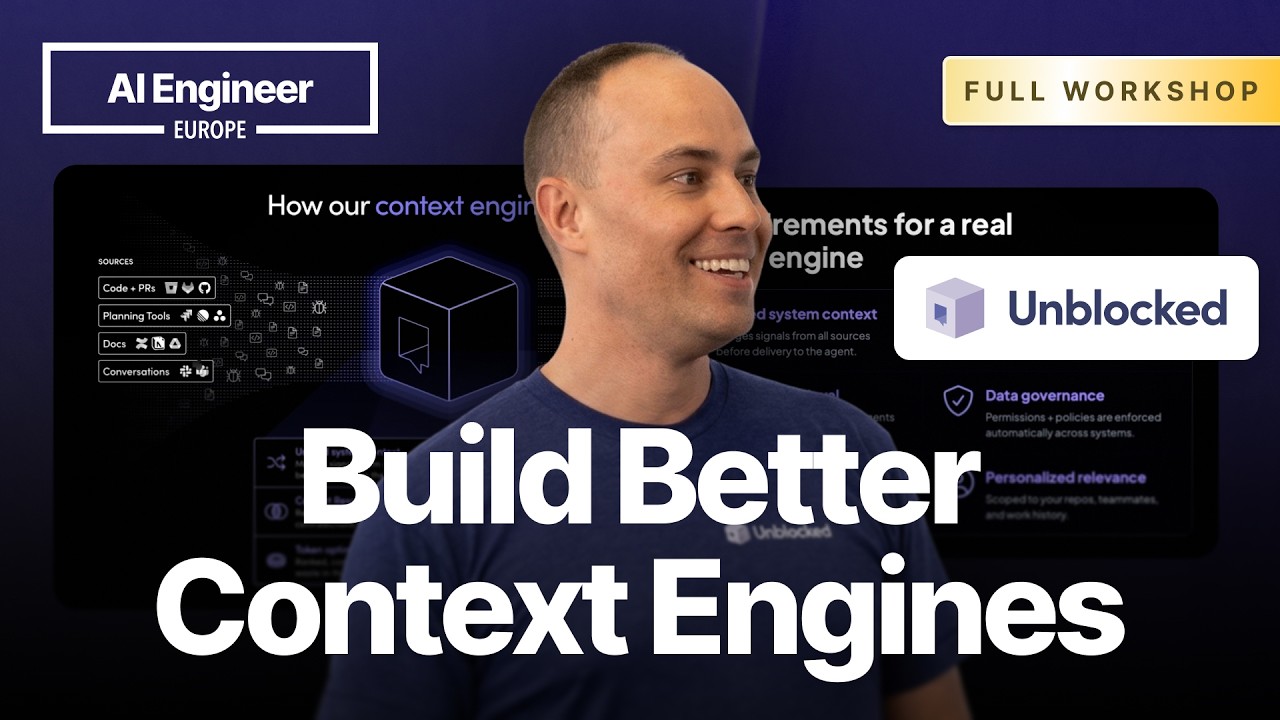
Why Agents Start from Zero
Four years ago, 8k token limits forced IDEs like Cursor to stuff only the surrounding code into context. Today models handle millions of tokens, yet most agents still start from ground zero on every task. They scrape your codebase, guess at conventions, and miss the organizational scar tissue that comes from years of incidents and rejected PRs. Running parallel agents makes this worse. Developers context-switch constantly, guiding each agent back toward the right answer. Without a layer that already knows the codebase history and team standards, moving to background agents is close to impossible.
Three Myths About Context
Myth one: naive RAG over your docs is a context engine. Vector search alone triggers “satisfaction of search,” a radiology term for stopping at the first plausible result. Agents hit Notion or Confluence, find something close, and stop, missing answers buried in a past Slack thread. Myth two: connecting MCP servers is enough. It isn’t. Access does not produce understanding of why decisions were made. Myth three: a bigger context window fixes it. Most large organizations already hold more than a million tokens of context, and fitting more data into a window still does not establish what is true.
What a Real Context Engine Requires
A real context engine knows who you are, what team you work on, who the domain experts are, and what decisions produced the current codebase. Conflict resolution cannot rely on recency alone: newer Slack messages routinely contradict the main branch, and the agent needs to understand where the work is going, not only where it has been. Targeted retrieval pulls deep on the repos a developer contributes to most (ranked by PR count) and shallower on the rest. Data governance must propagate access controls so private channels never surface in answers for users who lack that access.
Hard Lessons from Building One
Unblocked’s first build wired up tools and a knowledge graph, expecting the agent to traverse it and figure everything out. It didn’t. The 2.5h vs 25min efficiency benchmark (22:13) shows the cost: without context, the same task took two and a half hours and 21 million tokens; with context, 25 minutes and 10 million tokens. The second mistake was quietly resolving every conflict with naive heuristics instead of surfacing the ones it couldn’t resolve, discarding a learning signal. The third: caching context engine answers for reuse. Code and decisions change constantly, and reusing stale answers pollutes future context.
Where Context Engines Pay Off Most
Planning returns the biggest gain. Connect a context engine at the planning phase and the agent starts with organizational norms already loaded, skipping the exploratory search entirely. Ticket enrichment is close: give an agent a new issue ID and it fills in dependencies, related PRs, and past failures automatically. Triage delivers near-instant value: drop a production issue into an agent connected to the context engine and it surfaces past incidents and Slack threads in seconds. Wired to Sentry and Datadog, incident management is described as almost magical. Engineering support channels that auto-answer questions save senior engineers hours per week.
Social Graphs as Pivot Points
The social graph visualization demo (44:22) charts PR review relationships across Unblocked’s org back to January 2025, showing who reviews whose code and which paths have expert coverage. The graph’s primary function is as a retrieval pivot inside the context engine. When an agent hits a code area, the engine identifies the domain expert for that path and loads a distillation of that person’s PR comments, Slack conversations, and past decisions. Three layers stack: vector search, pre-built memories, and what Werry calls “bottling the expert.” Together they give the agent direction without reconstructing team structure from scratch on every run.
Q&A
What is the artifact? Is it a program you install, a hosted API, or an MCP server? All three: Unblocked exposes an MCP server, a CLI tool, a web dashboard, and a Slack integration, so teams can route it into whichever surface their agent already uses. ▶ Watch (32:06)
If you respect access rights, how can the engine synthesize across data and surface new knowledge? Synthesis stays compartmentalized at the repository level; synthesized knowledge that crosses permission boundaries gets tagged with group IDs and is only retrieved for users who have the underlying access. ▶ Watch (36:19)
Which coding agents are used most with Unblocked? Claude Code is by far the most common, followed by Cursor; Claude Desktop was a surprise third place, with VS Code and Codex accounting for a smaller share. ▶ Watch (54:56)
Notable Quotes
only 25 minutes and 10 million tokens. Peter Werry · ▶ Watch (23:17)
that and learn from it. That’s the key Peter Werry · ▶ Watch (24:39)
doom loop is like when you’re uh you’re Peter Werry · ▶ Watch (8:09)
Key Takeaways
- Access to every data source does not substitute for pre-built understanding of why code is the way it is.
- Conflict resolution and personalization are non-negotiable; naive recency or code-biasing alone both fail.
- The biggest gains come at planning time: context-informed agents finish the same task in 25 minutes vs 2.5 hours.