 AI
AI
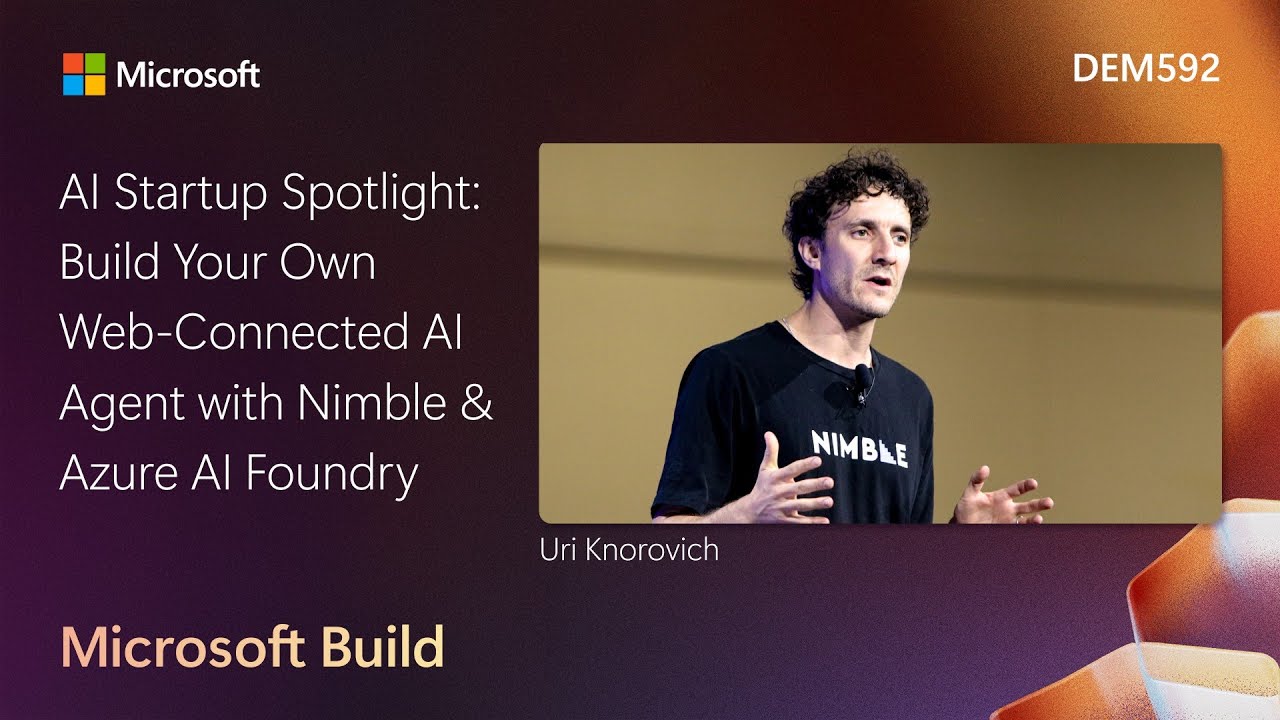
Web Agents vs. Classic Search
A standard LLM or web search returns snippets optimized for speed. Ask for restaurant reviews and you get an academic summary, not the 90th-percentile score from the actual listing page. Web agents work differently. They open a real headless browser, decide which site to visit, click into menus, scroll through pagination, and stream the raw data back.
“Classic agent have just web snippets, but this agent can go and find the information.”
The distinction matters for any query where the answer lives behind a JavaScript render or a navigation click. Search has no JavaScript rendering. Web agents do, and that gap is where useful data hides.
Structured Data Pipeline from Live Web Activity
Once the browser finishes, the agent structures every extracted fact into a database table, not an LLM context window. That shift from blob to table is what makes SQL possible: JOIN, SELECT, AVG, and aggregation all become available. A standard LLM response is a blurb; a database row is queryable at any time by BI tools, downstream applications, or the next agent in the chain.
“Webagent are not designed to provide information extremely fast.” “They are designed to go deep.”
Scheduling is the other payoff. Agents can run overnight against 10,000 SKUs and have results ready at 9 AM. Users query the stored data in real time without waiting for a fresh browser session.
Production Deployment: Territory Scouting for a Global Beverage Company
A global beverage company needed its field sales reps to know, before each stop: which competitor items are out of stock, what menu prices are, and what promotions run this week. All of that sits on public restaurant websites, but getting it required offshore research firms or interns, neither of which produced accurate, timely results.
They deployed Nimble web agents to scout territory continuously. Each agent clicks into menus, navigates to events pages, and writes the output to a structured database. Sales reps query it before a route. What once took a three-to-five-person data team now arrives automatically.
Live Demo: Web Agent on Azure AI Foundry
The presenter ran the agent live inside Azure AI Foundry’s playground, asking for Seattle restaurants with private dining rooms. In the Azure AI Foundry live restaurant query (09:36), the agent picked sites, fetched pages, and returned structured results in real time. The Nimble console agent reasoning trace (10:45) revealed each step: get the restaurant URL, screenshot the page, use computer vision to find the private-dining link, click through, extract.
After the first run the agent saves a configuration template. Subsequent runs skip the expensive multimodal model and use a cheaper SLM. Compute is tunable per query: pay more for critical tasks, less for routine refreshes.
Notable Quotes
Classic agent have just web snippets, but this agent can go Nimble presenter · ▶ 1:58
Webagent are not designed to provide information extremely fast. Nimble presenter · ▶ 4:46
They are designed to go deep. Nimble presenter · ▶ 4:51
Key Takeaways
- Web agents browse, click, and scroll live pages, where search returns static snippets that miss JavaScript-rendered content.
- Storing extracted data in a database instead of an LLM context window enables SQL aggregation and recurring scheduled queries.
- A global beverage company replaced offshore research teams by deploying Nimble web agents that scout restaurant territory continuously.