 AI
AI
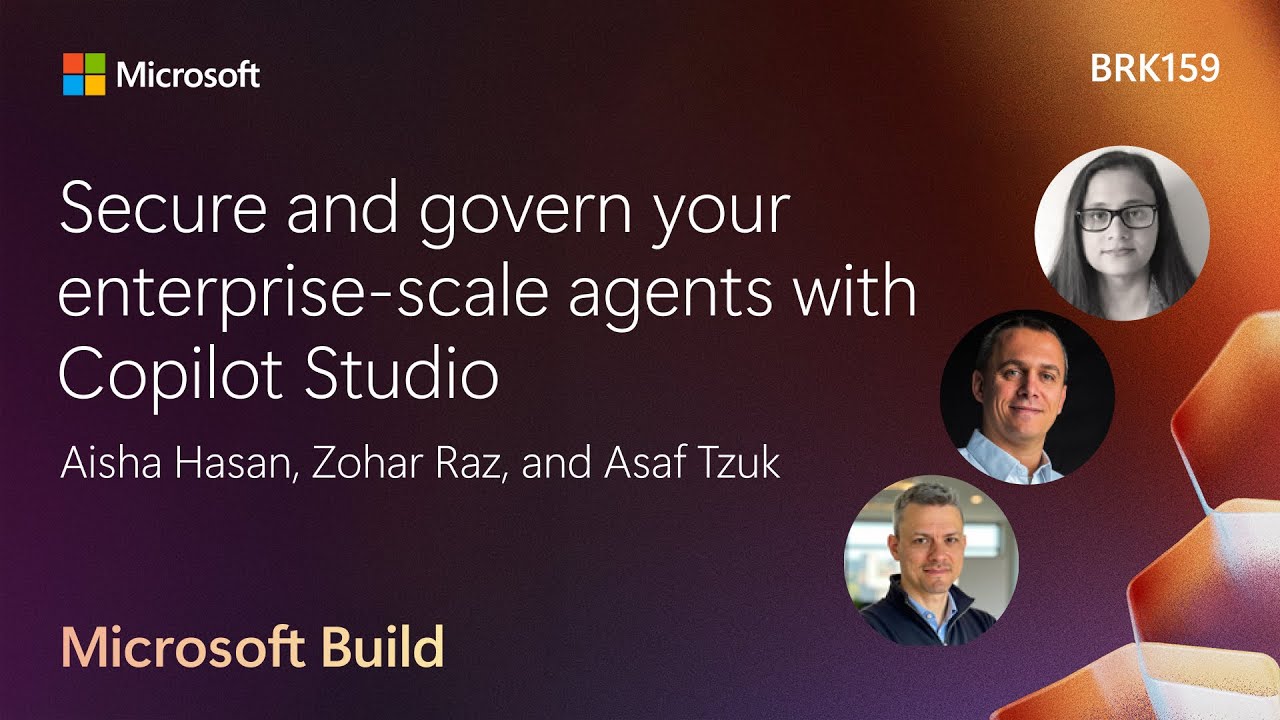
Agents Are Not All the Same Risk
Copilot Studio agents split into two categories with different risk profiles. Retrieval agents answer questions from grounded knowledge: HR, IT help desk, internal Q&A. Govern them like documents. Prevent data leaks, block phishing destinations.
Autonomous agents execute tasks, cancel meetings, write to databases, call external APIs. Govern them like executables. A maker building one has effectively written code, so the same data-access privileges, credential controls, and audit requirements apply. Treating both types identically leaves either too much overhead or too little protection.
Microsoft as Its Own Customer Zero
Microsoft runs over 90,000 Power Platform environments and more than 10,000 Copilot Studio agents internally. Aisha Hasan’s team managing that tenant is about 10 people. MSIT uses three tiers: low-risk Agent Builder agents grounded in M365 data, sandboxed “Personal Agents” in Copilot Studio for experimentation, and Enterprise Agents that go through Responsible AI and SDL reviews before broad deployment.
“I can’t govern what I can’t see.” (Aisha Hasan)
A help desk agent built by Zohar’s team deflects 35 percent of support tickets before a person is needed.
Blocking Prompt Injection Before It Reaches the Agent
XPIA (cross-domain prompt injection) attacks modify an agent’s knowledge sources, tools, or triggers to swap email recipients, skip validation steps, or call unintended tools. Copilot Studio wraps those surfaces in a detection layer, blocks injections using models and algorithms, and emits an audit log to Microsoft Purview on every blocked event. The protection status demo (24:09) shows 496 recently blocked messages on one agent and a Purview log tracing an indirect attack to a specific URL response. Admins can chain those logs into Sentinel automations or feed them into Defender.
Zone Strategy: Who Builds What, Where
The Gartner zone model maps agent complexity against risk: green for personal builds, yellow for broader sharing with IT review, red for production systems serving 10,000 users each.
“Devs don’t get to dev in production” (Zohar Raz)
Environment Groups enforce this at scale. MSIT placed 30,000 environments in a single group. One policy change propagates to all of them. The Environment Groups and routing demo (40:24) shows an admin restricting Dataverse connectors to read-only actions and a PowerShell script that blocks users from adding others to their personal environments. Environment routing auto-provisions a workspace for each new Copilot Studio visitor in under a second.
Visibility Across the Tenant: Copilot Hub and Inventory
Copilot Hub is a new page in the Power Platform Admin Center that shows every Copilot Studio and Dynamics 365 agent across all environments in one view. The Copilot Hub inventory demo (56:08) shows a list that updates in real time as agents are created or deleted, with links directly into each agent’s maker portal and environment page.
An AI advisor agent scans continuously for 50+ issues: orphaned assets from employees who left, unused agents, and misconfigured sharing. It surfaces recommendations by category and offers one-click remediation. Inventory is currently in preview.
Notable Quotes
I can’t govern what I can’t see. Aisha Hasan · ▶ 18:11
Devs don’t get to dev in production Zohar Raz · ▶ 33:59
these are the crown jewels. Zohar Raz · ▶ 34:10
Key Takeaways
- Treat retrieval agents like documents and autonomous agents like executables. Governance controls differ by risk tier.
- Environment Groups let one policy change propagate to 30,000 environments at once, replacing manual per-environment clicks.
- XPIA attacks on Copilot Studio agents are blocked at runtime and logged to Microsoft Purview for admin investigation.