 AI
AI
Hardware Selection Determines Your Failure Mode
Mercury Security makes the majority of access control hardware in use today. Multiple vendors rebrand the same boards. Access panels store card holder data locally and make door decisions independently, so they keep working through outages. Door controllers are cheaper but lose their database on disconnect. When that happens, they fall back to primitive modes: allow everyone, deny everyone, or allow any card with a given facility code, including cards from employees who left 10 years ago and never returned them.
RS485 Wiring: Why Daisy Chains Fail and Clustering Works
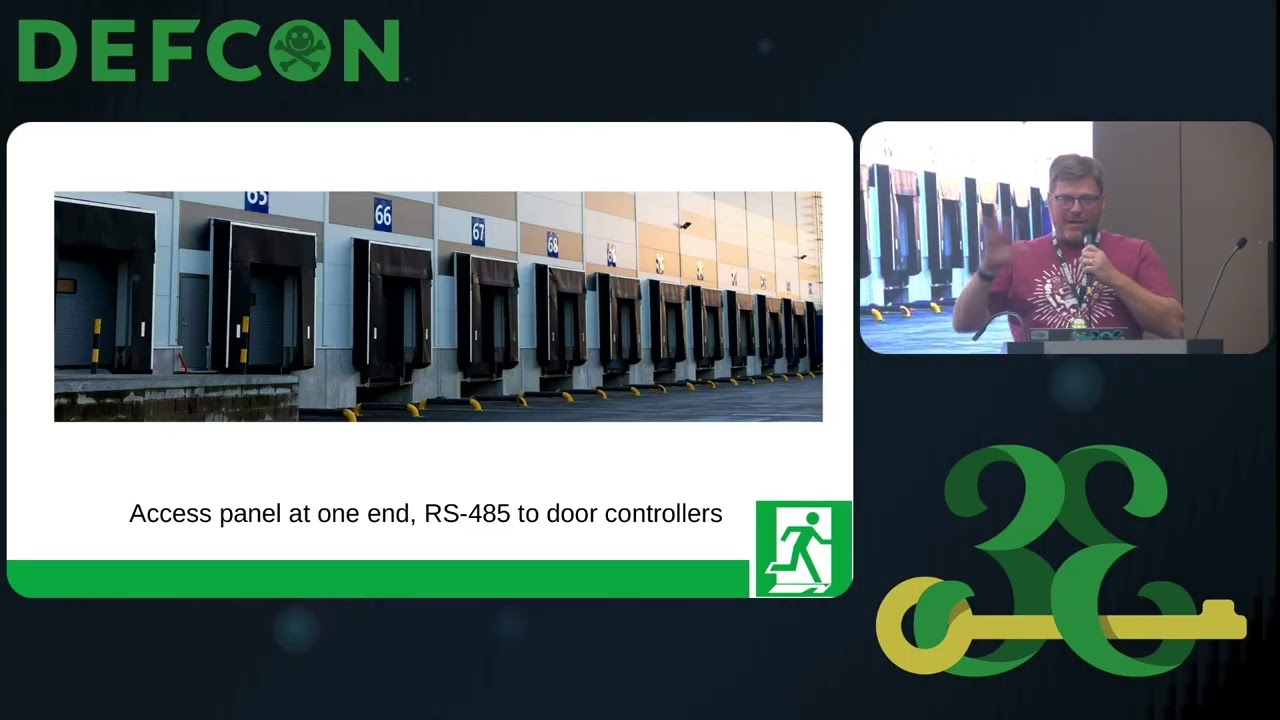
RS485 is a protocol from the 1980s that connects door controllers in a daisy chain. One cut wire or one source of electromagnetic interference knocks out the entire string. A single failed controller on a 4,000-foot run can drop all 31 controllers behind it. The fix is using composite access control cable, purpose-built for this application with proper shielding throughout. Clustering equipment centrally, rather than distributing it across long runs, keeps RS485 segments short and faults easy to find.
What Most Installers Skip: Tamper Switches and Supervision Resistors
Most installers skip two cheap but important components. Tamper switches on enclosures and card readers alert when someone opens or removes hardware. Attackers commonly pull a reader off the wall, attach something to the wires, and put it back. A tamper switch catches that. Supervision resistors, wired inline near the door contact, expand detection from two states (open or shorted) to four, so the system can distinguish a door open, a door closed, a cut wire, or a shorted wire. They cost $1.50 each. The reason most systems lack them is laziness.
Fail-Safe vs. Fail-Secure: Life Safety Is Not Optional
Every access control system has a failure mode. Fail-safe locks open when power or software fails, letting people out. Fail-secure locks stay locked. Always configure critical egress paths as fail-safe. A door that protects property but traps people in a fire is a liability. Connect to the building fire alarm with relay integration so doors unlock automatically when the alarm triggers. Local fire code and the authority having jurisdiction (fire marshal or building inspector) will specify requirements. Get that coordination done before installation.
Badge Security: Wiegand Is Still 1975
125 kHz Prox cards are trivially cloned. iClass is also well broken. The protocol connecting readers to controllers, Wiegand, dates to 1975 and has no encryption. Pull a reader off the wall, attach a device, and it forwards captured card data over Wi-Fi from outside the building. 84% of installers never or seldom use OSDP, the replacement protocol from 2015 that adds encryption. HID Corporate 1000 badges use a 48-bit format with a dedicated facility code, giving 8 million badge numbers. Enable it and disable older formats, or Prox cards still work.
Notable Quotes
It’s never worth risking people’s lives Tim Clevenger · ▶ 16:45
companies do not install these. Tim Clevenger · ▶ 16:18
the defaults are never good. Tim Clevenger · ▶ 22:41
Key Takeaways
- Use Mercury Security hardware with local storage to avoid connectivity-failure lockouts or open-door modes
- Cluster equipment and keep RS485 runs short; one wire cut drops the entire daisy chain
- Supervision resistors cost $1.50 and detect wire-cut attacks; install them in every system
- Configure fail-safe exits on all egress doors and integrate with the building fire alarm
- Switch to OSDP and HID Corporate 1000 badges, then disable 125 kHz Prox and iClass formats
About the Speaker(s)
Tim Clevenger is a Cybersecurity Network Engineer at SailPoint with a background in low voltage hardware. He has designed, expanded, upgraded, and repaired numerous physical access control, alarm, and video systems. A previous role at a security vendor included certification in Lenel/S2 access and video platforms.