 AI
AI
Why Attackers Want Microsoft’s Login Domain
Phishing with a custom domain requires domain aging for benign categorization, constant rotation when domains get burned, and still fails users who hover links. Device code phishing and adversary-in-the-middle attacks work but still rely on attacker-owned infrastructure. Nys asked a different question: can login.microsoftonline.com, the domain Microsoft uses for all authentication, itself become phishing infrastructure? That question expanded into eight techniques, some requiring only a tenant ID in the URL, others capable of extracting clear-text passwords and bypassing MFA without the victim ever leaving Microsoft’s domain.
Open Redirects Built into Authentication Itself
Three open redirect primitives exist in Microsoft’s authentication stack. Configuring a domain for federation points victims instantly to a phishing page via a crafted login.microsoftonline.com URL. An app registration with a redirect URL and prompt=none skips consent entirely. The same setup with an invalid scope completes real authentication first, then silently redirects after MFA. Nys disclosed all three to MSRC. No fix is likely since the behavior is fundamental to how OAuth and federation function.
Self-Service Signup as a Credential Harvester
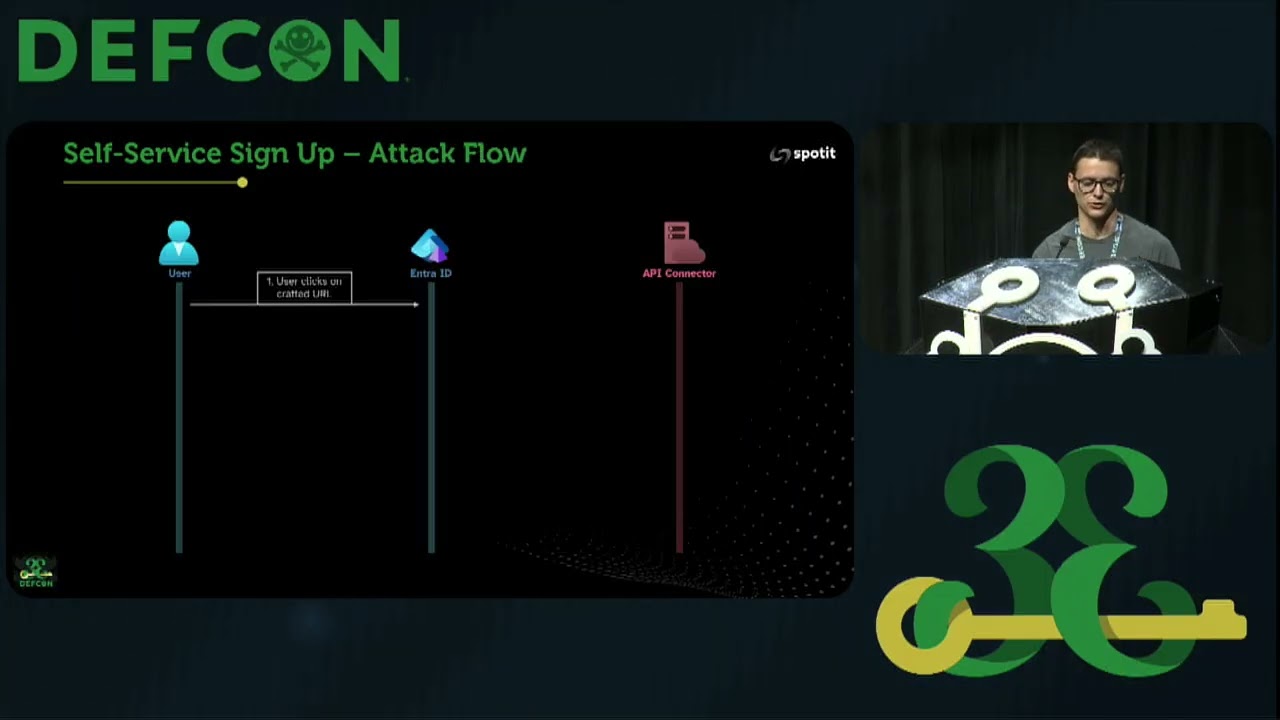
Entra ID’s self-service signup lets external users create guest accounts without an invitation. It also lets tenant admins collect custom attributes during signup. Nys created attributes named “password” and “MFA code.” An API connector receives those values in clear text from Microsoft’s servers. When the victim signs in and reaches the attribute collection page, still on login.microsoftonline.com, they fill in their real password. The API connector validates it against Entra ID and returns custom error messages until the correct credential is provided. No attacker domain appears in the browser.
CSS Button Hijacking via Custom Company Branding
Microsoft lets tenants inject custom CSS into the Entra ID login page but strips dangerous properties client-side in JavaScript, leaving the full unfiltered file visible in source. Nys read the allowlist from the browser and found he could hide the real Next button, then overlay a fake one using CSS from the self-service password reset link option. Pixel-perfect positioning makes the substituted link indistinguishable from the original. A victim enters their email, clicks, and lands on an adversary-in-the-middle page. The entire handoff from Microsoft’s login page to the attacker’s credential capture server is invisible.
Pass-Through Authentication and the Font Spoofing Trick
Pass-Through Authentication forwards user passwords in clear text from Entra ID to an on-premises PTA agent for validation. Nys configured PTA in a tenant he controls, then backdoored the agent with PTASpy from AADInternals. The remaining problem: getting victims from other tenants to authenticate into his tenant. He solved it with CSS @font-face. A rule maps only the hyphen character (0x2D) to a font that renders it as “s”. Purchasing micro-off.com and applying that font makes the login page display admin@microsoft.com while the actual account is admin@micro-off.com.
Bypassing Authenticator App MFA with Pre-Generated Images
Capturing an OTP in a password field is suspicious. Authenticator app push notifications are more common in enterprise environments. Nys built a two-tenant flow: the first tenant captures the password via PTA, then redirects to a second tenant whose CSS replaces the entire sign-in box with a pre-generated image showing the two-digit number-matching code Microsoft sent. He pre-generated all 100 possible images. The attacker server polls until MFA succeeds, then captures the access token, refresh token, and session cookies. Both tenants show only login.microsoftonline.com throughout.
Notable Quotes
then it will filter the CSS with client side JavaScript. That basically means that we can actually see in the source code everything that it is filtering for. Keanu “RedByte” Nys · ▶ 16:24
and the computer your browser will think that micro-off.com will be there but it will render it as Microsoft.com right Keanu “RedByte” Nys · ▶ 27:38
they are on the legitimate Microsoft domain. After they sign in we get their credentials in clear text basically. Keanu “RedByte” Nys · ▶ 29:50
Key Takeaways
- Microsoft’s own login page can harvest clear-text passwords and bypass MFA, with no attacker domain in the address bar.
- Entra ID self-service signup forwards custom form attributes, including credential fields, in clear text to attacker-controlled API connectors.
- A CSS @font-face rule mapping the hyphen to an “s” glyph makes micro-off.com display as microsoft.com on the login page.
About the Speaker(s)
Keanu Nys, also known as RedByte, is an information security researcher from Belgium who leads the offensive security team at spotit. He specializes in Active Directory, Microsoft Entra ID, and social engineering. He is the author of GraphSpy, an attack toolkit for Microsoft 365 and Entra ID used for initial access and post-compromise enumeration. He also serves as an instructor for Certified Azure Red Team Expert bootcamps at Altered Security and has presented at BruCON.